Why your new TV looks worse at home: 5 settings to improve picture quality
New TVs often underperform at home due to factory retail settings. Experts share how to adjust your device to get the high-quality picture you paid for.
 💡Tech
Photo: UNIAN
Key points
- Disabling Retail mode
- Enabling HDMI Deep Color
- Calibrating brightness and contrast
Why factory settings fail at home
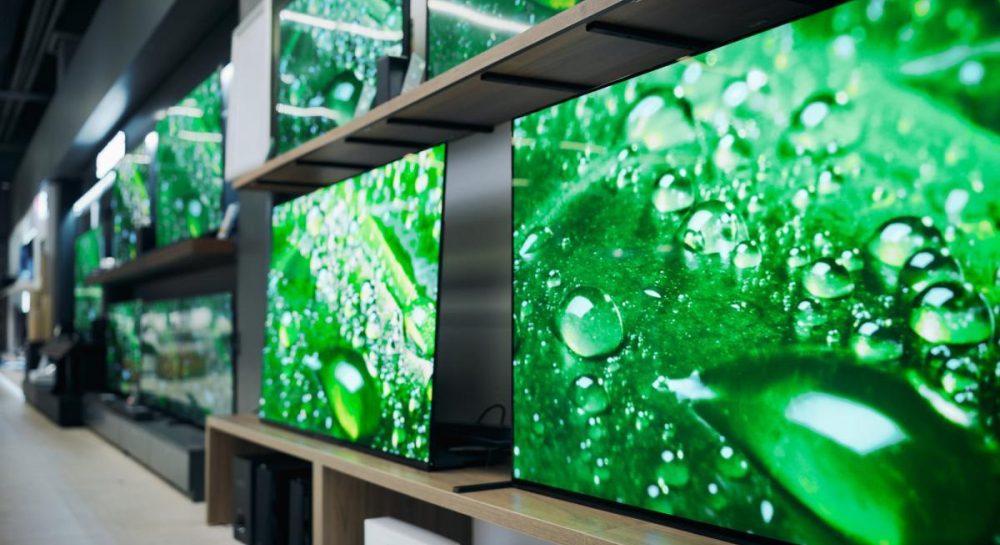
Many consumers are disappointed when their new TV looks less impressive at home than it did in the store. This is primarily due to the 'Retail mode' enabled in showrooms, which is designed to grab attention under bright lights by pushing brightness and saturation to unnatural levels. These settings are typically unsuitable for a standard home environment and require manual adjustment.
How to optimize your display
To get the best performance, you should start by activating HDMI Deep Color for all external devices like gaming consoles. This feature expands the color gamut for 4K content and must be enabled manually for each port. Following this, using the built-in calibration wizard can help you fine-tune sharpness and color temperature to match your personal preferences.
For general picture settings, setting both brightness and black levels to around 50% is a good starting point, while contrast should typically be set to 80%. Additionally, setting the 'LED Local Dimming' feature to 'High' is recommended. This allows the TV to independently adjust the brightness of specific screen zones, providing much deeper blacks and better contrast in dark scenes.
Source UNIAN — unian.ua/techno/gadgets/5-nalashtuvan-televizora-yaki-potribno-zmin… ↗
Read next
 👥Society
Combating invasive species: drones used in Hawaii to protect forests
Scientists in Hawaii have deployed drones to distribute insects that help control the spread of the invasive Strawberry Guava.
 🛡️Security
Fire Point reveals technical differences between FP-7 and FP-9 ballistic missiles
The weapon developer Fire Point explained the differences between its ballistic projects, which serve different tactical purposes.
 🛡️Security
Ukraine and Norway to Scale Up Production of DESNA Air Defense Systems
The Ukrainian Ministry of Defense has announced plans to increase the production of DESNA air defense launchers in partnership with Norway.
 🛡️Security
Rare photo of the experimental 'Object 477A1' tank released online
An archival image of the top-secret Ukrainian 'Nota' tank, which began development in the early 1990s, has surfaced on the internet.
 🛡️Security
Court upholds detention for Valentina Molodaya: details of the incident near Kyiv
The Kyiv Court of Appeal rejected the defense's appeal and upheld the detention of a woman suspected of obstructing the activities of the Armed Forces of Ukraine.
 👥Society
How to Bake Perfect Sweet Potatoes: Secrets to a Crispy Crust and Tender Inside
Nutritious and affordable sweet potatoes are becoming increasingly popular in home kitchens. Simple culinary tips will help you bake this root vegetable so it stays juicy…